Low Poly 3D
Guides4 min read
How to Reduce GLB File Size Without Ruining the Silhouette
Measure whether geometry buffers or embedded PNG textures are bloating your GLB, backed by real byte measurements from 500-triangle flat meshes and 24,864-triangle textured props.
What actually takes up bytes inside a GLB
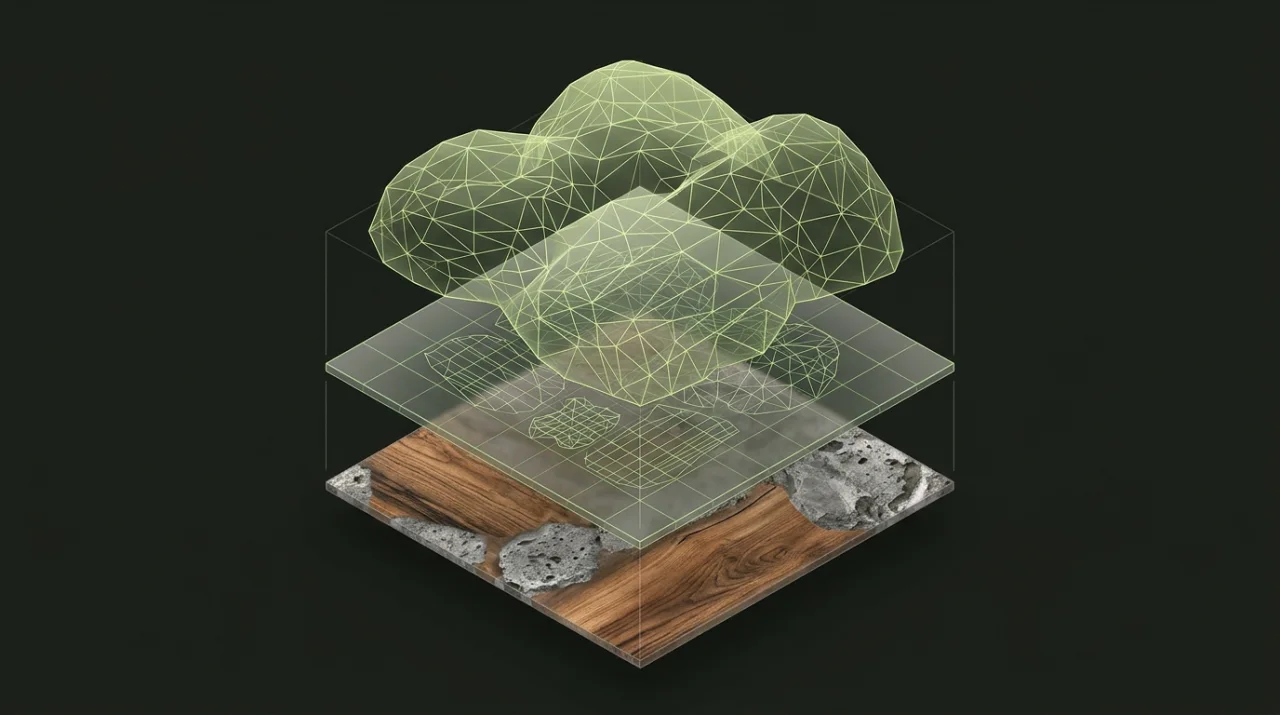
A self-contained .glb is a single binary container holding a JSON scene header, one binary buffer (BIN) for vertex positions, indices, normals, and UVs, plus any embedded texture images. Because everything ships in one file, optimizing blindly—such as decimating a mesh whose weight actually comes from an oversized 2048 × 2048 PNG—barely moves the needle.
| GLB Component | What Lives Inside | Dominates File Size When… | Primary Lever |
|---|---|---|---|
| JSON Chunk | Scene hierarchy, nodes, material definitions | Almost never (typically a few KiB) | Merge redundant empty nodes |
| BIN Geometry Buffer | Vertex POSITION, NORMAL, TEXCOORD_0, indices | Untextured or high-poly scans (> 10k tris) | Simplify mesh in Polygon Reducer or encode with GLB Compressor |
| Embedded Images | BaseColor, normal, and roughness PNG/JPEG/WebP blobs | Props include 1024px–4096px textures | Resize & convert textures to WebP in GLB Compressor |
See the official Khronos GLB specification for chunk alignment rules.
Benchmark 1: flat-color geometry reduction on River stone
When a prop has zero embedded textures, 100% of its weight sits in the JSON and BIN vertex buffers. You can verify the exact byte savings right inside the browser:
- Open the Polygon Reducer and load the built-in River stone sample (or download the free River stone GLB directly).
- Switch targeting mode to Triangles, enter
250, and run Preview reduction. - Toggle the wireframe preview and inspect both the silhouette and exported byte count, then verify the download in the GLB Inspector.
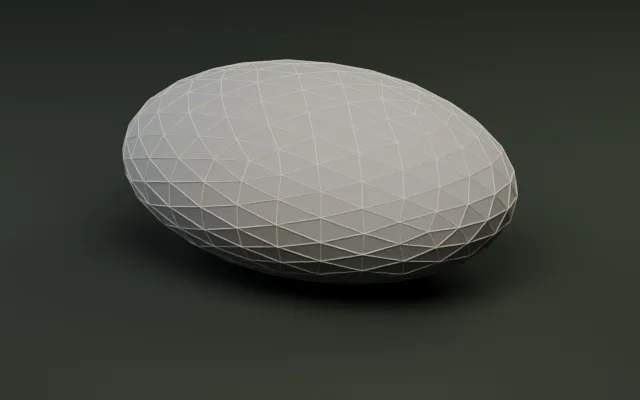
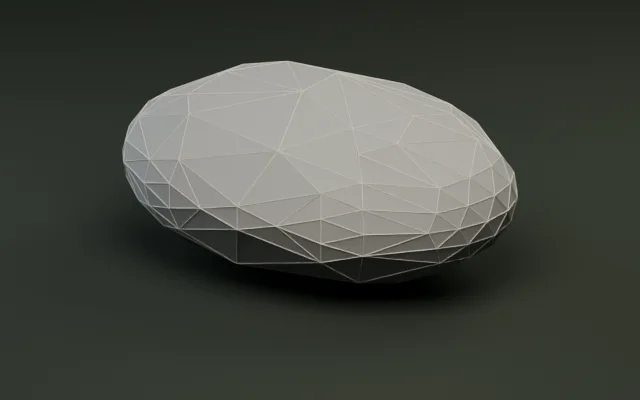
On this clean flat-color prop, cutting triangles in half reduced the file size from 36,944 bytes (500 tris) to 5,664 bytes (250 tris)—an 85% drop in file size. Not only are there fewer faces to serialize, the simplified mesh also shares indexed vertices cleanly across adjacent triangles instead of storing bloated duplicate attributes.
Why reduction sometimes stops above your target
Try running the same River stone with an aggressive target of 50 triangles. In our test, the simplifier hit its geometric shape-error limit at 100 triangles—50 triangles above budget—while still shrinking the download from 36.1 KiB down to 2.9 KiB.
Never force an automated reducer past its topology floor blindly. Open the wireframe comparison first: if key silhouette ridges collapse or thin borders invert, pick a moderate triangle target or keep the original file for hero close-ups.
Benchmark 2: textured meshes and embedded images
Dense AI-generated or sculpted meshes often combine high polygon counts and embedded color textures. Take our textured Oak barrel benchmark sample:
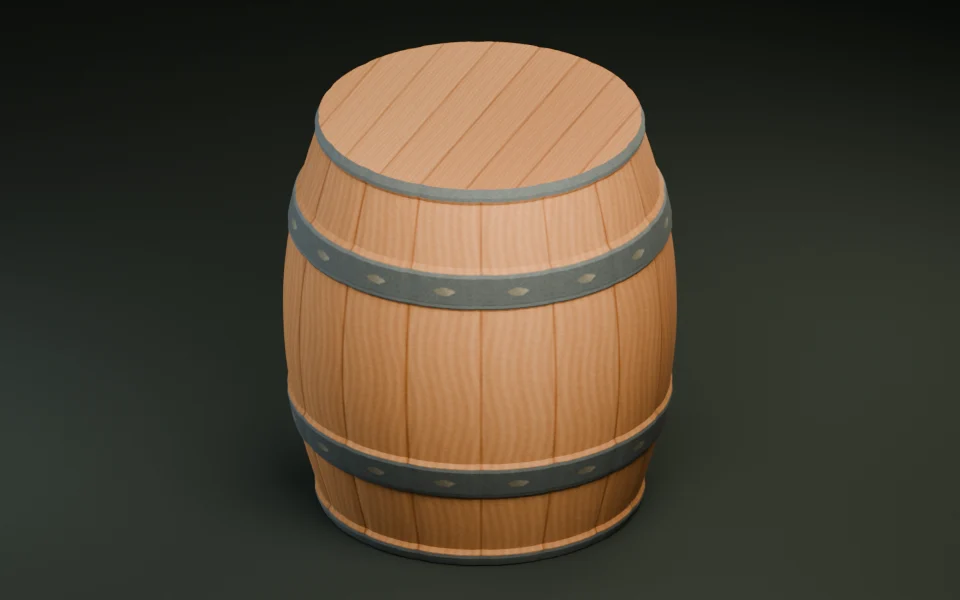
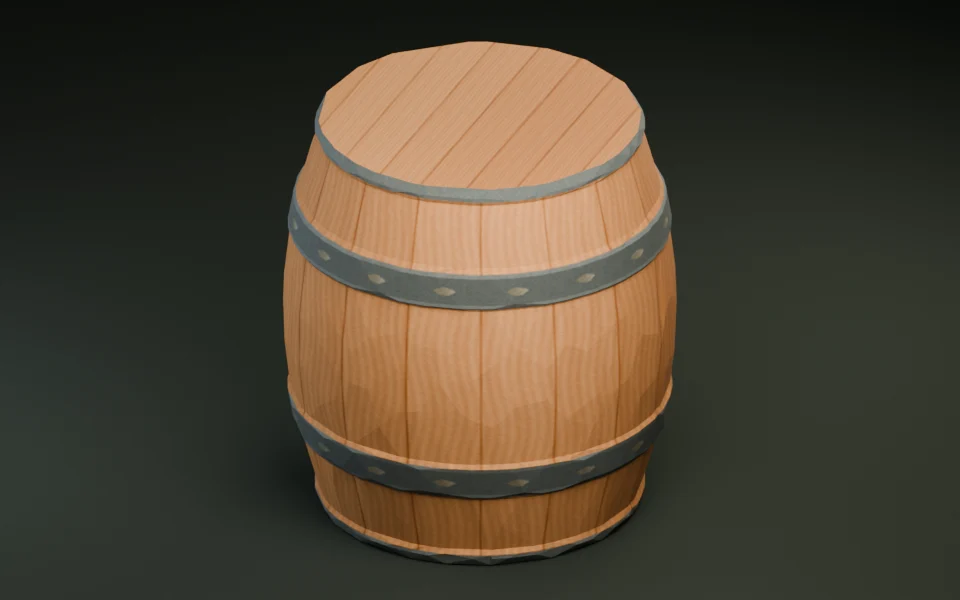
Decimating oak-barrel.glb from 24,864 triangles (630,144 bytes) down to 1,500 triangles cleanly removes 94% of the polygon load while preserving the silhouette and iron band UVs. However, once geometry is already compact (500–1,500 tris), any remaining megabytes almost always belong to embedded textures:
- Check
Embedded Texturesin the GLB Inspector. If it is>= 1and your GLB still exceeds1–2 MiBafter polygon reduction, geometry is no longer the bottleneck. - Open the file in the GLB Compressor to cap oversized
2048 × 2048or4096 × 4096textures at1024 pxor512 px, re-encode embedded maps to WebP, prune duplicate accessors, and applyEXT_meshopt_compressionin one browser pass.
Meshopt compression + WebP textures without decimation
If your triangle count is already dialed in and you cannot afford silhouette changes, open the GLB Compressor instead of simplifying polygons:
- Meshopt geometry encoding (
EXT_meshopt_compression) shrinks vertex and index buffers dramatically on static meshes—reducing our500-triangle River stone from36,944bytes to6,536bytes (82.3%smaller) with zero lost faces. - Vertex welding & pruning removes unused accessors and duplicate materials without changing appearance.
- Texture downscaling & WebP encoding brings bloated
2048 pxPNG maps down to1024 pxor512 pxright in the browser before shipping to WebGL, Three.js, or Godot 4.
A repeatable check before shipping
- Run every file up to
30 MiBand250,000triangles locally in the GLB Inspector—no server upload required. - Compress buffers and textures in the GLB Compressor once your triangle budget is locked in.
- Plan distance swaps rather than starving close-up heroes: read Set a Triangle Budget for a 3D Scene next.