 Low Poly 3D
Self-contained GLB output
Pack one OBJ and its supported diffuse maps into glTF 2.0 binary with no companion files.
Convert a static GLB into an OBJ archive, or pack a Wavefront OBJ and its diffuse textures into one GLB. Free, with no sign-in or file uploads.
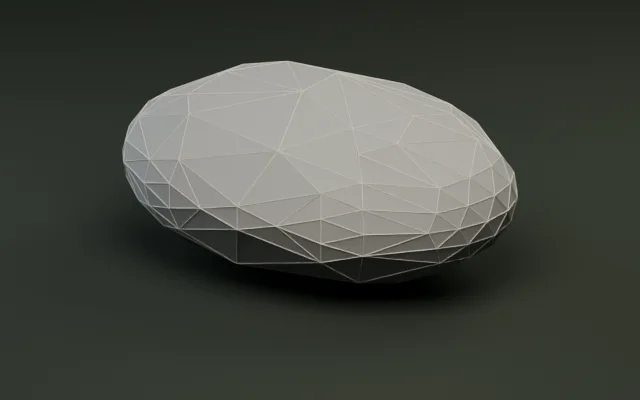
Simplify meshes by target count or percentage.
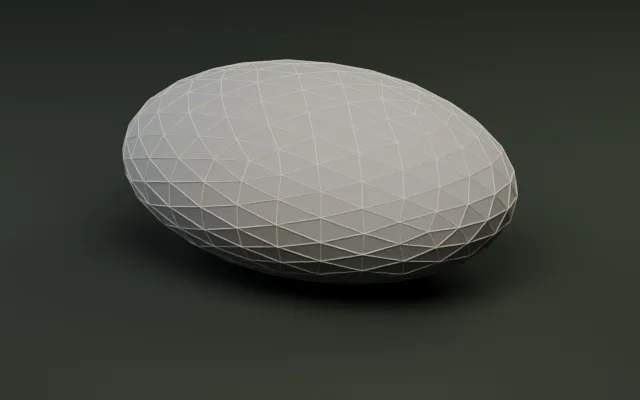
Audit triangles, meter bounds, and embedded textures.
Generate multi-level LODs and export as a ZIP.
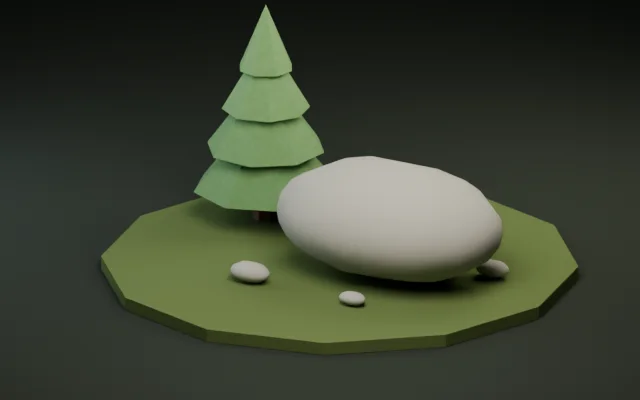
Snap pivots to presets or rotate ±90° per axis.
Shrink GLB bytes with Meshopt and WebP textures.
Convert a print mesh and check its dimensions in meters.
Convert static, solid-color FBX props with baked transforms.
Create a textured GLB from a reference image or a short prompt.
Choose the output your editor or engine needs, then check geometry and materials before importing.
Choose GLB to OBJ for a Wavefront archive. Choose OBJ to GLB for a single file with embedded textures.
For OBJ input, add its referenced material library and diffuse PNG or JPEG files. Add them together or pick them in several steps.
Unzip OBJ output with its material and texture files together. Open a GLB in Polygon Reducer or LOD Generator to continue in the same tab.
Both directions preserve the static triangle surface and supported diffuse materials.
Pack one OBJ and its supported diffuse maps into glTF 2.0 binary with no companion files.
Export the active GLB scene as Wavefront geometry with material groups and available diffuse maps.
Carry mesh UVs, diffuse colors and PNG/JPEG maps between formats. PBR channels require the original GLB.
Send the validated GLB to Polygon Reducer or LOD Generator directly from the result panel.
OBJ has no standard unit metadata. Export Y-up at meter scale before converting for glTF, then check bounds and triangle budgets in the target engine.
The conversion tests build dedicated static models, extract each OBJ archive, then reimport its OBJ, MTL and local textures through the same converter.
| Test mesh | Triangles before → after | Materials before → after | Diffuse maps before → after | World bounds |
|---|---|---|---|---|
| Signal beacon | 8 → 8 | 2 → 2 | 0 → 0 | Preserved |
| Textured trail tile | 2 → 2 | 1 → 1 | 1 → 1 | Preserved |
An OBJ round trip can duplicate vertices at face or material boundaries. Check triangle count and world bounds when verifying shape, and inspect the materials separately.
Keep a GLB for runtimes that read glTF. Use the OBJ archive when your editing step requires Wavefront files.
GLB for scene import
Check the imported mesh bounds and ground contact. OBJ source numbers are carried into the GLB as meters.
GLB or Wavefront OBJ
Extract the entire OBJ archive first, then keep the MTL and diffuse textures next to the OBJ when importing.
OBJ or GLB via a glTF importer
Inspect diffuse maps after import and set up the project’s PBR materials where the OBJ export carried diffuse information only.
GLTFLoader for the embedded GLB
For an OBJ archive, extract the files and load the MTL with MTLLoader before passing the materials to OBJLoader.
Yes. Conversion, texture packaging and ZIP creation run in a browser Web Worker. There is no account requirement, and the selected files stay on your device.
Select one OBJ, its MTL if referenced, and each PNG or JPEG diffuse map used by the MTL. A geometry-only OBJ without a material-library reference can be converted alone.
The ZIP includes material groups, diffuse colors, supported diffuse maps and scalar opacity from blended materials. Keep the GLB for PBR channels, masked alpha, vertex colors or its original scene hierarchy.
Add the local PNG or JPEG named in map_Kd and keep its filename unique among the selected files. Textured faces need UV coordinates. Use a plain filename without MTL map options.
OBJ to GLB keeps the supplied coordinates, which glTF interprets as meters. GLB to OBJ bakes active-scene transforms into world-space vertices, so mesh placement is preserved while separate scene pivots are lost.
GLB output is triangulated. A quad becomes two triangles. Triangulate concave polygons in your editor before export when the choice of diagonals matters.
Yes. The result panel can pass the validated GLB to Polygon Reducer or LOD Generator in the same tab. Reducer requires at least 4 triangles and LOD Generator requires at least 5.
The GLB input must be uncompressed and static, with embedded resources and no glTF extensions, skins, animations or morph targets. Export a static copy from your editor first.