Low Poly 3D
Pipeline3 min read
Keeping Mixed Low Poly Props Consistent in One Game Scene
Combine free CC0 models, themed asset packs, and AI-generated props without clashing scales, jarring neon colors, or mismatched facet density.
The three reasons mixed scenes look kitbashed
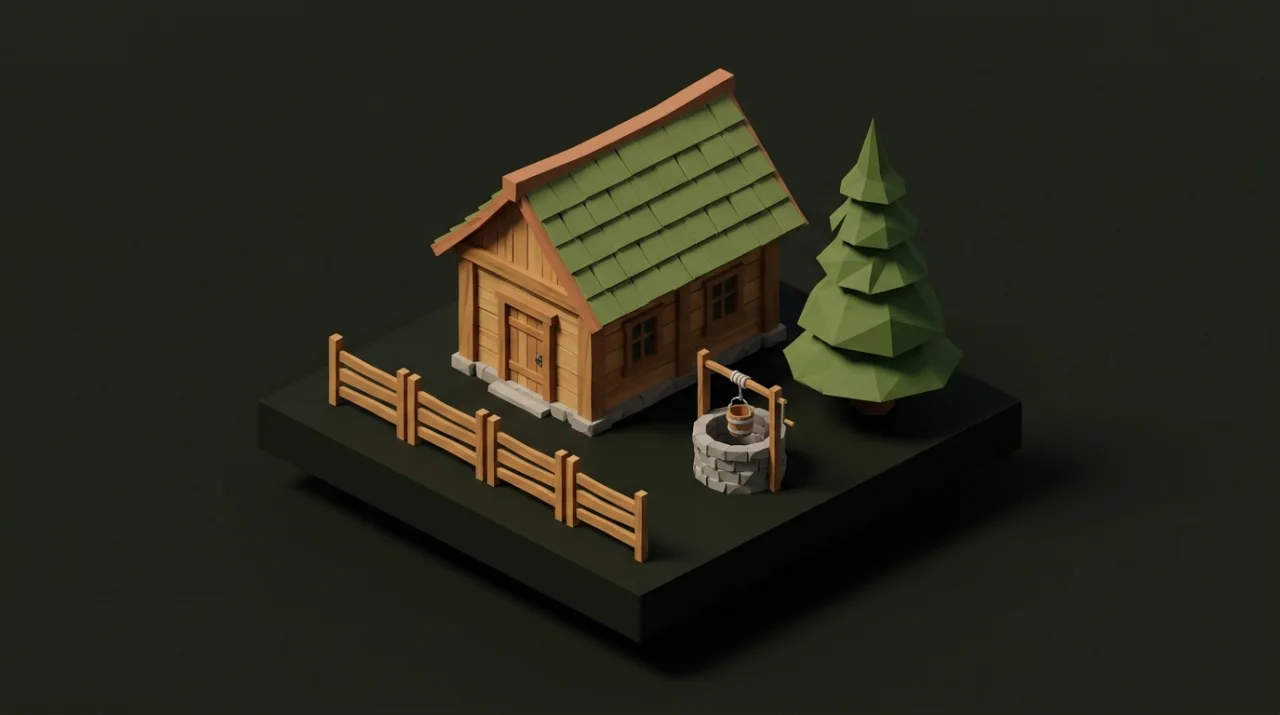
Nothing breaks immersion faster than dropping three individually good low-poly models next to each other and watching them clash like assets from three different games. Kitbashed scenes almost always fail on three axes: relative scale, facet/detail density, and color value discipline.
Lock a shared scale grid and human-height anchor
Start every environment with a fixed 1.8 m human capsule and a 1.0 m reference cube inside your starter test scene. Compare every new prop against those anchors before painting foliage or building villages.
Look at how coordinated dimensions work across our Forest Asset Pack and Village Asset Pack:
- Forest pine:
2.00 × 3.07 × 2.00 m(92tris)—tall enough to frame pathways without dwarfing cottages. - Timber cottage:
3.81 × 3.62 × 3.03 m(362tris)—proportionally taller than foreground rocks and fences. - Mossy stone arch:
4.39 × 3.37 × 1.42 m(680tris)—wide and high enough for clean player traversal. - Modular fences & walls: Built to regular meter multiples so straight and corner pieces snap end-to-end cleanly without gaps.
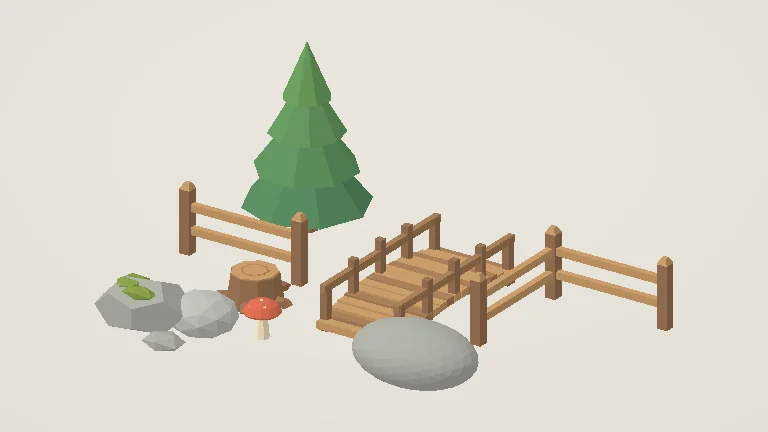
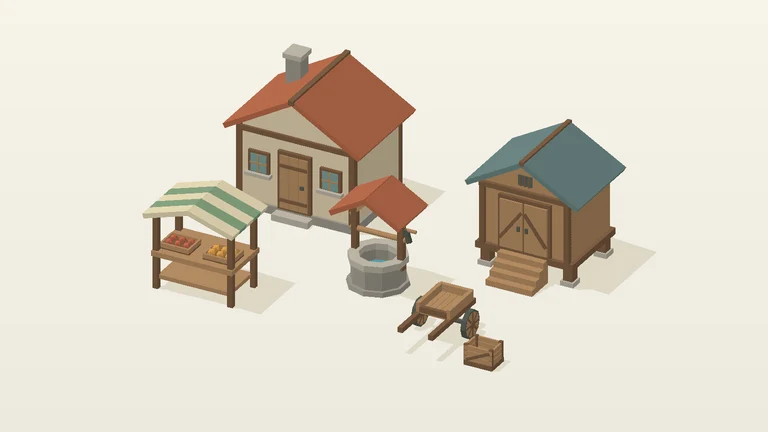
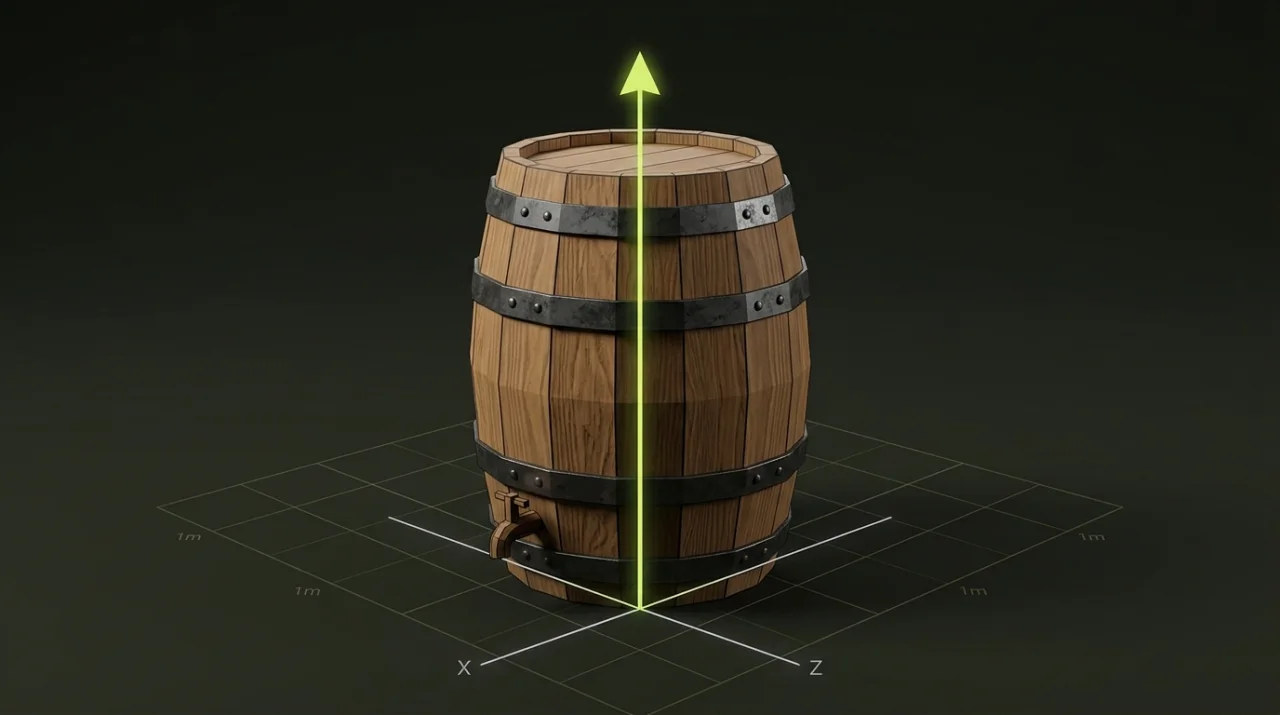
When you bring in a new prop—whether downloaded from Free GLB Models or generated in Image to 3D—measure its bounds in GLB Inspector and normalize its scale and bottom-center pivot in Origin & Transform so doorways, crates, and trees obey the exact same human scale.
Palette discipline: solid-color vs baked textures
Color harmony does more visual heavy lifting than raw polygon count. Both themed packs share curated, muted mid-tone palettes that sit comfortably under directional sun and ambient sky lighting without neon clipping:
| Theme Pack | Material Role | Reference Swatch | Hex Value |
|---|---|---|---|
Forest (v1.0.0) | Pine Canopy | Forest green | #598859 |
Forest (v1.0.0) | Granite Stone | Neutral warm gray | #A0A299 |
Forest (v1.0.0) | Tree Bark | Earthy mid-brown | #906C4D |
Forest (v1.0.0) | Mushroom Cap Accent | Terracotta accent | #CD654B |
Village (v1.0.0) | Dark Timber Beams | Deep timber brown | #815F42 |
Village (v1.0.0) | Cottage Plaster | Warm parchment cream | #E7D4B3 |
Village (v1.0.0) | Terracotta Shingles | Muted clay tile | #BA6B4A |
Village (v1.0.0) | Slate Shingles | Desaturated slate teal | #6B8684 |
Avoid mixing pure
#FFFFFFwhites, pure#000000shadows, or hyper-saturated textures next to flat-shaded low poly props. If a newly generated prop looks too loud or glossy beside your pack pieces, nudge its albedo saturation down slightly or inspect its roughness/metallic sliders in your engine material override.
Pre-integration audit checklist for every new prop
- Inspect bounds & orientation: Confirm
Y-up, meters, and zero stray floating sub-meshes in GLB Inspector. - Match detail density: Simplify noisy
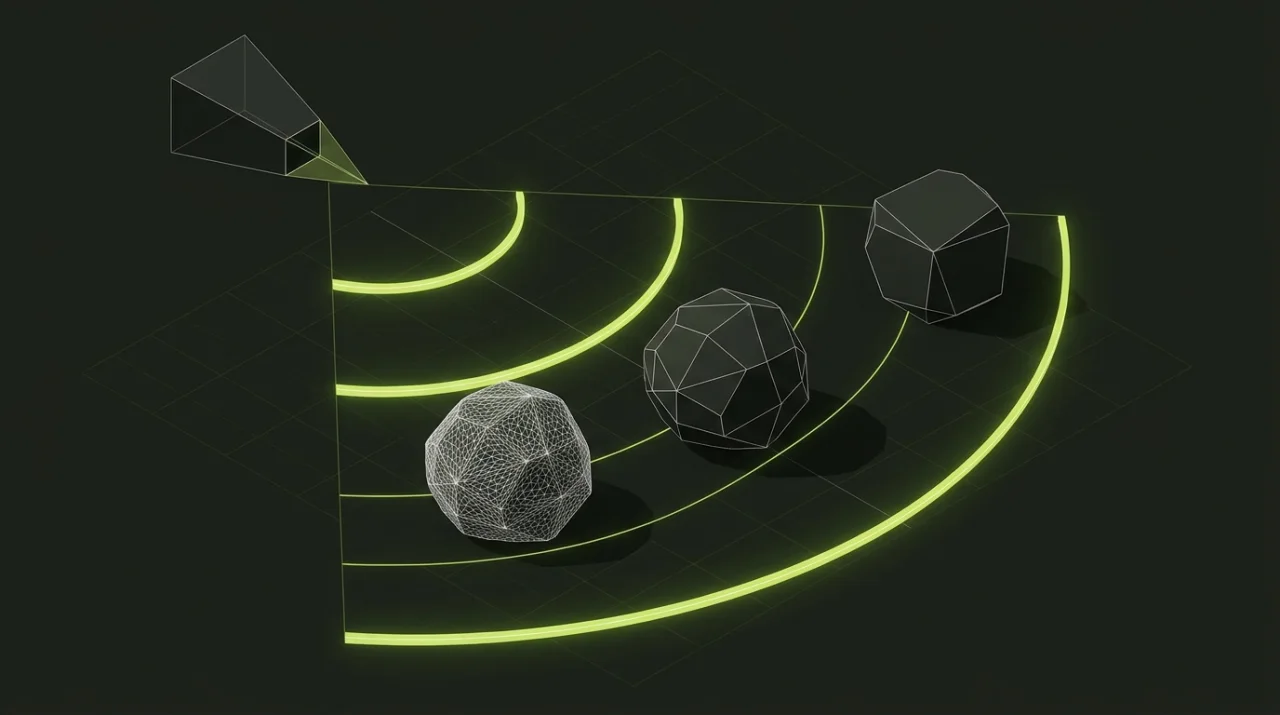
10,000+triangle props down toward500–2,000triangles in Polygon Reducer so sharp facets match surrounding pack assets. - Standardize placement anchor: Set
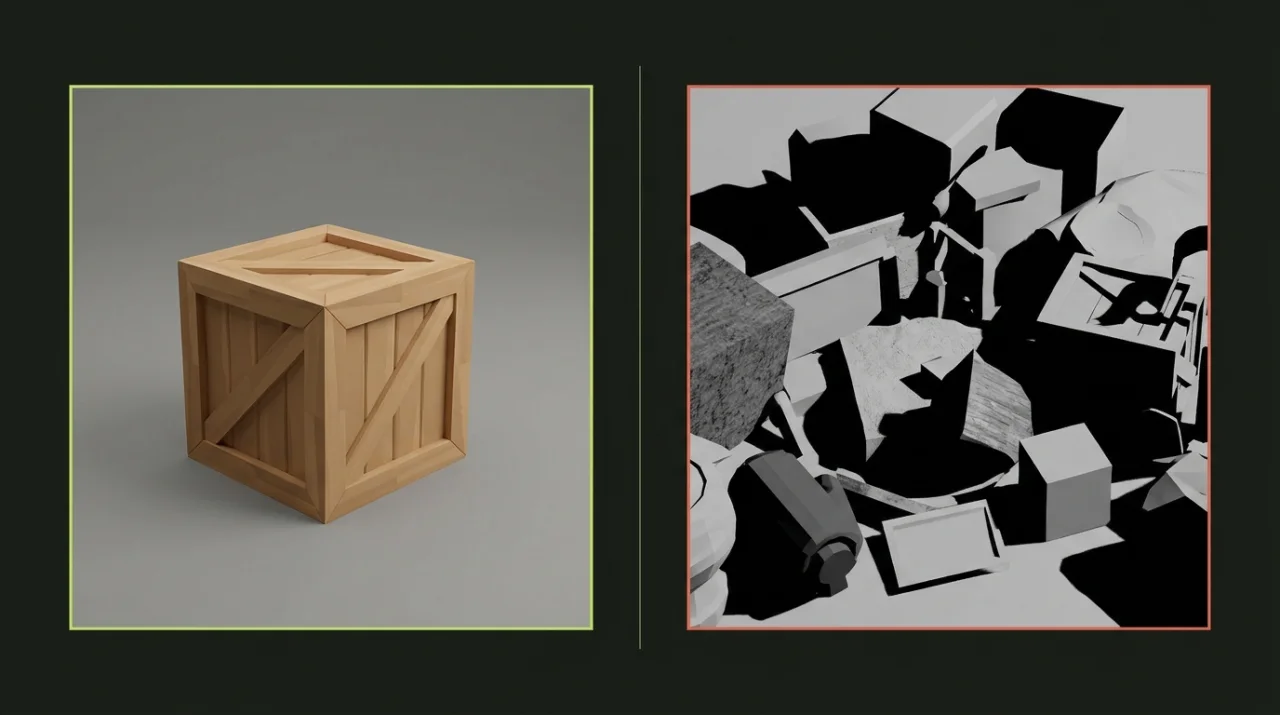
bottomorigin in Origin & Transform for instant terrain and grid snapping. - Drop beside two anchor props: Test every newcomer under the same scene light next to an existing tree or building—never judge a prop alone in a blank studio void.
- Browse matching starters: Pull ready-to-drop props from Free GLB Models or explore full coordinated sets on Asset Packs.