 Low Poly 3D
Target triangle budgets
Enter a target triangle cap (from 4 triangles up to the source count) when fitting props to strict mobile, Godot, or WebGL budgets.
Simplify your mesh and compare both versions before exporting. Files stay in this browser.
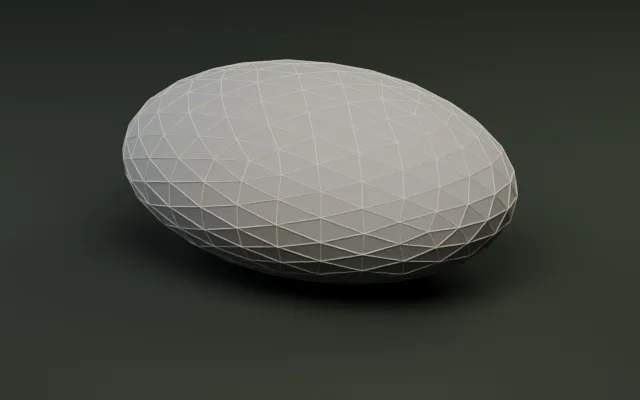
Audit triangles, meter bounds, and embedded textures.
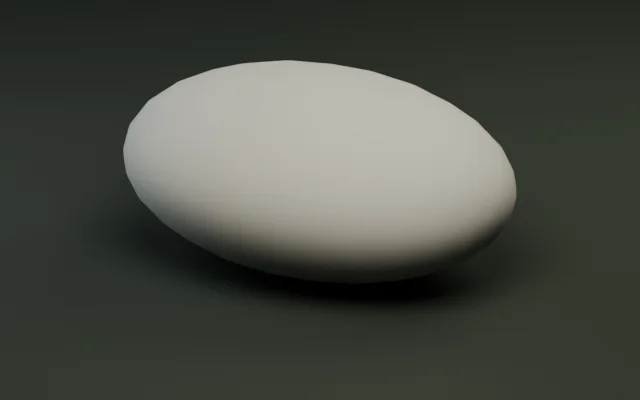
Generate multi-level LODs and export as a ZIP.
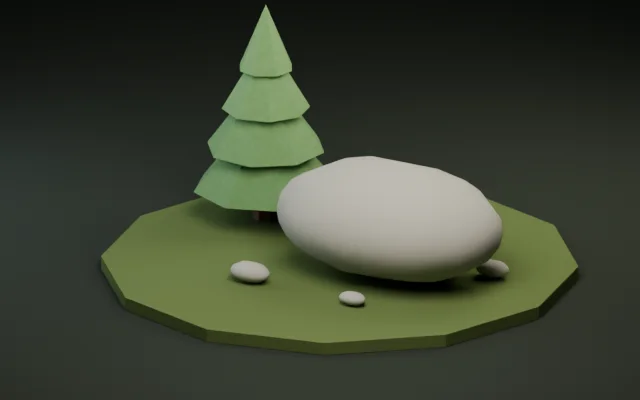
Snap pivots to presets or rotate ±90° per axis.
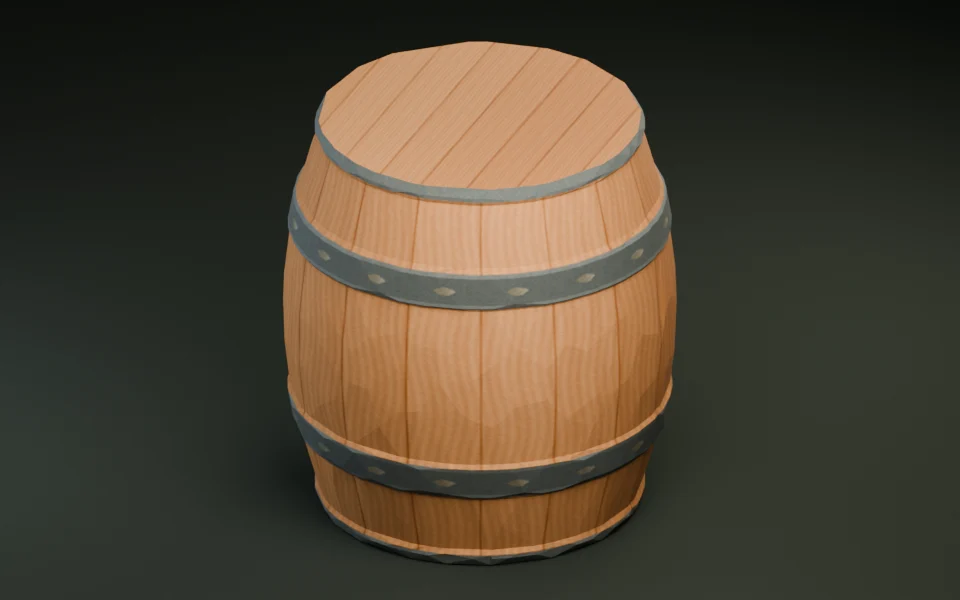
Shrink GLB bytes with Meshopt and WebP textures.
Convert static GLB and OBJ meshes with diffuse textures.
Convert a print mesh and check its dimensions in meters.
Convert static, solid-color FBX props with baked transforms.
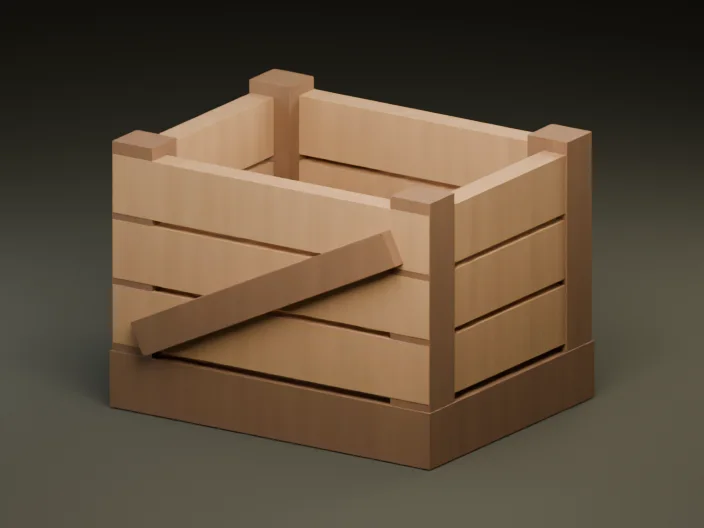
Create a textured GLB from a reference image or a short prompt.
Decimate static glTF 2.0 meshes toward a target triangle count or keep-percentage and verify silhouettes side by side.
Drop any self-contained GLB up to 30 MiB and 250,000 triangles. Mesh simplification runs inside a browser Web Worker with zero server uploads.
Switch between a target triangle count or a percentage of original faces (5%–100%), then preview the decimated result.
Inspect the original and reduced meshes side by side with wireframe and shading toggles, check file-size savings, and download the GLB.
Smart meshoptimizer decimation preserves hard low-poly edges and UV seams while trimming redundant coplanar faces.
Enter a target triangle cap (from 4 triangles up to the source count) when fitting props to strict mobile, Godot, or WebGL budgets.
Keep a percentage (5%–100%) when batch-tuning props of varying complexity to a consistent visual density.
Toggle Wireframe and orbit both models together to spot collapsed corners, thin handles, or silhouette pinching before export.
Materials, embedded textures, and UV mappings are preserved across border-locked vertex collapses so textured low-poly assets stay intact.
Reducing geometry shrinks vertex buffers and speeds up GPU rasterization, while texture resolution often drives total MiB. Combine decimation with our GLB compressor and optimization guides for optimal performance.
Measured directly with our production meshoptimizer WebAssembly worker (weld + lockBorder: true, error 0.025). Notice how single-material geometry decimates deeply while multi-material flat-shaded props protect hard color boundaries.
| Model & material layout | Original | Target | Actual output | File size change | Behavior note |
|---|---|---|---|---|---|
| River stone (1 material) | 500 tris · 36.1 KiB | 50% (250 tris) | 250 tris | 36.1 → 5.5 KiB (-84.7%) | Clean target hit + vertex welding |
| River stone (1 material) | 500 tris · 36.1 KiB | 25% (125 tris) | 124 tris | 36.1 → 3.3 KiB (-90.8%) | Within budget, silhouette intact |
| River stone (1 material) | 500 tris · 36.1 KiB | 10% (50 tris) | 100 tris | 36.1 → 2.9 KiB (-92.0%) | Stops at shape limit (+50 over budget) |
| Castle exhibit (19 materials) | 456 tris · 42.7 KiB | 50% (228 tris) | 456 tris | 42.7 → 41.4 KiB (-3.0%) | Material borders locked; use Compressor (-52.1%) |
| Forest pine (5 materials) | 92 tris · 9.5 KiB | 50% (46 tris) | 92 tris | 9.5 → 9.2 KiB (-3.4%) | Already minimal silhouette; borders preserved |
Because each material boundary acts as a locked border, multi-material flat-color assets naturally resist aggressive decimation. For those assets, keep the triangles and run GLB Compressor to cut file size by 30%–52%.
Polygon Reducer writes standard uncompressed glTF 2.0 binary (.glb) files with welded indexed meshes, materials, and UVs intact.
Direct drag-and-drop (.glb)
Imports cleanly as MeshInstance3D with preserved materials and UVs. Re-enable Generate Shadow Mesh or collisions as needed.
Direct import (.glb)
Standard indexed triangle lists work out of the box with URP/HDRP materials and automatic tangent recalculation.
Direct glTF / Interchange import
Works cleanly as a Static Mesh without extra decoder plugins. Ideal for reducing dense AI-generated props before Nanite or mobile builds.
Direct GLTFLoader (no decoder needed)
Output uses core glTF 2.0 buffers so any WebGL viewer loads it immediately; follow with GLB Compressor if you also want Meshopt + WebP.
No. Decimation runs 100% client-side in a Web Worker inside your browser using meshoptimizer WebAssembly. Files up to 30 MiB stay completely private on your device.
Polygon Reducer accepts uncompressed static glTF 2.0 binary (.glb) files up to 30 MiB and 4 to 250,000 triangles or vertices. Pre-compressed Draco/Meshopt inputs, external URIs, skins, animations, and morph targets are rejected cleanly.
To avoid tearing UV seams, open boundaries, or material splits, the simplifier runs with border locking (lockBorder: true) and a 0.025 shape-error limit. On multi-material props or very aggressive targets—like pushing the 500-triangle River stone to 50 triangles—it stops at the safe shape limit (100 triangles) and warns you before download.
Always reduce from your original uncompressed GLB in a single pass. Running multiple sequential decimation passes compounds vertex error, pinches silhouettes, and degrades UV interpolation faster than setting one direct target.
Yes. Embedded textures, PBR materials, and UV coordinates are preserved across vertex collapses, and locking mesh borders keeps UV island seams from tearing on textured props.
AI-generated props often arrive at 20,000–100,000 triangles. Start with a single pass to 3,000–6,000 triangles for hero props or 1,000–2,000 for background scatter, inspect thin silhouettes in Wireframe mode, and then run GLB Compressor to downscale 2K/4K textures to 1024 px WebP.
On textured models, embedded 2K or 4K PNG textures often account for 70%–90% of total bytes. Reducing triangles speeds up GPU vertex shading, while shrinking file size requires passing the reduced GLB through GLB Compressor to resize textures and apply Meshopt or WebP.
Models must have at least 4 triangles to be simplified, and percentage targets range from 5% to 100%.
No. The reducer is designed for static GLB meshes. Animated, skinned, or morph-target characters should be decimated in a DCC tool like Blender before export.