 Low Poly 3D
LOD1 (mid-range ~50%)
Halves triangle count for medium camera distances while preserving silhouette and key bevels.
Create three simpler versions of a static GLB for viewing at different distances. Files stay in this browser.
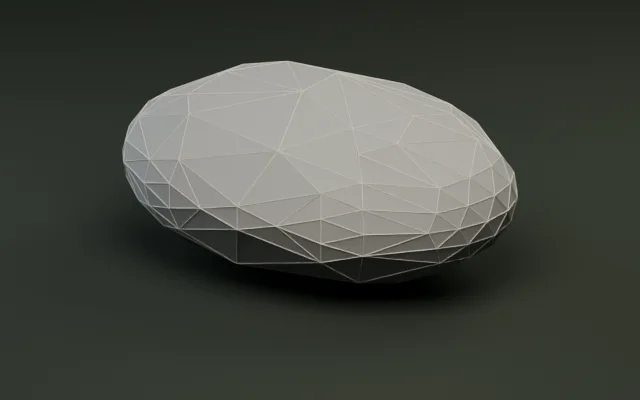
Simplify meshes by target count or percentage.
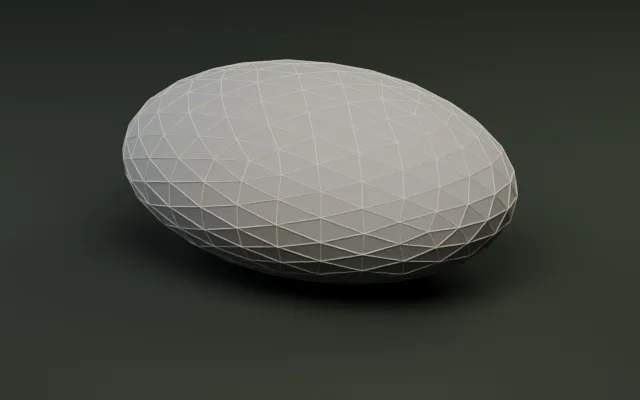
Audit triangles, meter bounds, and embedded textures.
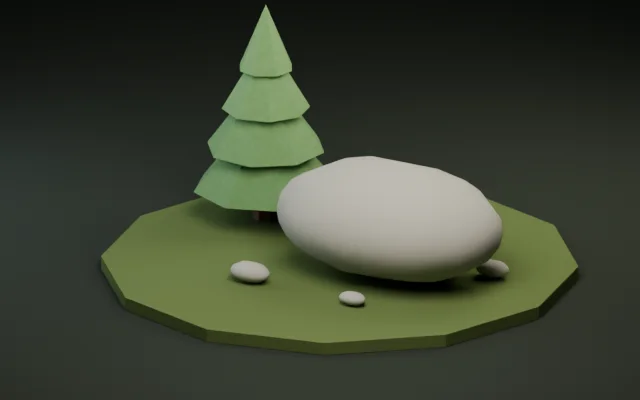
Snap pivots to presets or rotate ±90° per axis.
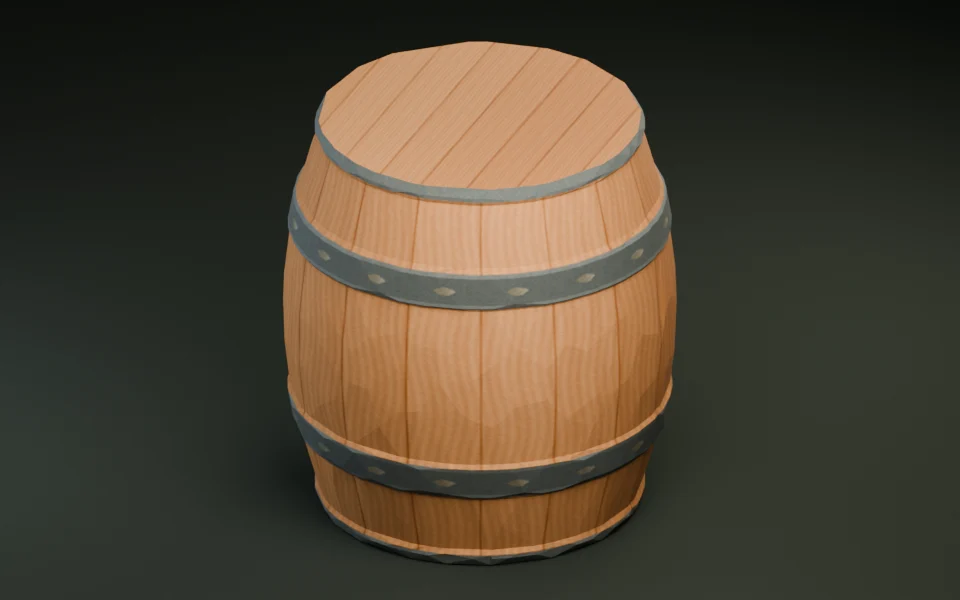
Shrink GLB bytes with Meshopt and WebP textures.
Convert static GLB and OBJ meshes with diffuse textures.
转换打印模型并检查米制尺寸。
把纯色静态 FBX 道具烘焙并转换为 GLB。
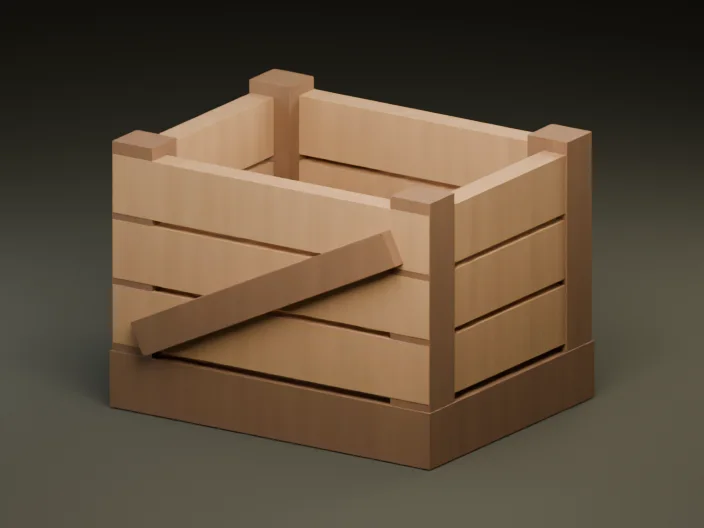
Create a textured GLB from a reference image or a short prompt.
Build three progressive detail levels (LOD1–LOD3) from one static GLB and package them into a ready-to-import ZIP archive.
Load any static GLB up to 30 MiB and 250,000 triangles locally in your browser. All decimation and ZIP packaging happen client-side.
Set custom keep-percentages for LOD1, LOD2, and LOD3 (5%–99%) and generate all three levels directly from LOD0.
Compare each LOD against LOD0 in the 3D viewport, verify ready statuses in the table, and export individual GLBs or a full ZIP.
Progressive LOD chains cut vertex shader load on distant props without visible popping.
Halves triangle count for medium camera distances while preserving silhouette and key bevels.
Aggressively simplifies secondary details for background props and distant foliage.
Keeps only the core silhouette for far-distance rendering and dense open-world scenes.
Exports only verified, non-duplicate levels alongside the original LOD0 GLB and a structured manifest.json.
After downloading the LOD ZIP, import the GLB levels into your engine's LODGroup or VisibilityRange / HLOD system and tune screen-size thresholds per prop.
Real output from running the default 50% / 25% / 10% preset on the bundled 500-triangle River stone sample.
| LOD level | Target ratio | Target tris | Actual tris | File size | ZIP status |
|---|---|---|---|---|---|
| LOD0 (original) | 100% | 500 | 500 | 36.1 KiB (36,944 B) | Included (LOD0.glb) |
| LOD1 (mid-range) | 50% | 250 | 250 | 5.5 KiB (5,664 B) | Ready · Included (LOD1.glb) |
| LOD2 (far) | 25% | 125 | 124 | 3.3 KiB (3,392 B) | Ready · Included (LOD2.glb) |
| LOD3 (horizon) | 10% | 50 | 100 | 2.9 KiB (2,960 B) | Over budget · Excluded from default ZIP |
In a scene with 100 scattered rocks (20 near at LOD0 + 80 distant at LOD2), visible rock triangles drop from 50,000 to 19,920—a 60% geometry savings before frustum culling.
Every ZIP ships standard uncompressed GLB files plus a machine-readable manifest.json listing triangle counts and byte sizes.
Import GLBs + VisibilityRange
Place LOD0–LOD2 MeshInstance3D nodes under the same parent and assign non-overlapping visibility_range_begin/end meters (or use Godot automatic mesh LODs on LOD0).
LODGroup component
Import each LOD*.glb with glTFast and assign LOD0/LOD1/LOD2 renderers to a standard LODGroup with screen-height transition percentages (e.g. 50%, 20%, 5%).
Static Mesh LOD slots
Import LOD0.glb as your base Static Mesh, then import LOD1.glb and LOD2.glb directly into LOD 1 and LOD 2 slots in the Static Mesh Editor.
THREE.LOD object
Load each GLB with GLTFLoader and register them via lod.addLevel(mesh, distance) using the triangle and size telemetry in manifest.json.
No. Every LOD mesh is simplified and zipped locally in your browser Web Worker with zero server uploads.
It accepts uncompressed static glTF 2.0 binary (.glb) models up to 30 MiB with 5 to 250,000 triangles. Rigged, animated, morph-target, or pre-compressed GLBs are not supported.
The ZIP includes the original LOD0.glb, every LOD level that passed validation (LOD1.glb–LOD3.glb), and a manifest.json summarizing target ratios, actual triangle counts, byte sizes, and statuses.
Every LOD level (LOD1, LOD2, and LOD3) is simplified directly from the original LOD0 source mesh. Generating from LOD0 avoids cascading decimation artifacts across levels.
If border locking prevents a level from reaching its target (for example, LOD3 at 10% on a small prop) or produces the same triangle count as the previous level, it is flagged and omitted from the default ZIP so you do not ship redundant meshes.
A practical starting baseline for medium outdoor props is LOD0 from 0–15 m, LOD1 from 15–35 m, and LOD2 beyond 35 m in Godot VisibilityRange (or roughly 50% / 20% / 5% screen height in Unity LODGroup), then walk the camera through the transition to verify zero silhouette pop.
Yes. Click any ready LOD row in the results table to preview it in 3D and download that individual .glb file.
Static GLB meshes with at least 5 triangles and up to 30 MiB work directly in the browser.