 Low Poly 3D
EXT_meshopt_compression
Quantizes and encodes vertex and index buffers for Three.js, Godot 4, and modern glTF 2.0 loaders without changing triangle count.
Shrink GLB file size with Meshopt geometry compression and WebP texture optimization. Files stay in this browser.
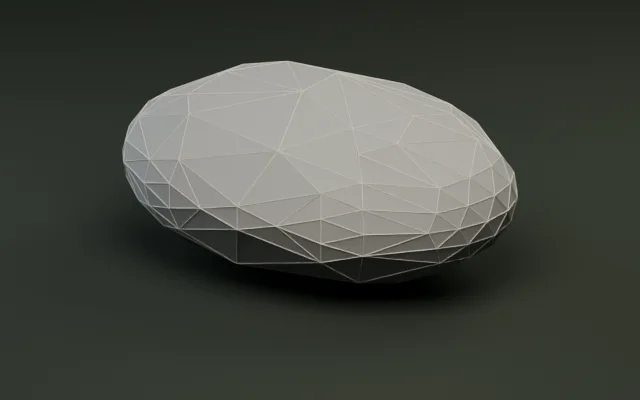
Simplify meshes by target count or percentage.
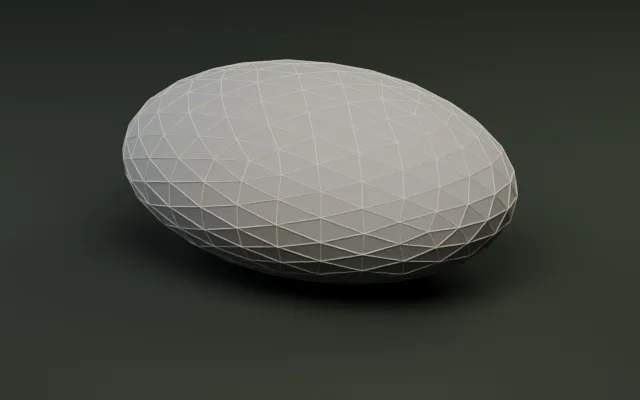
Audit triangles, meter bounds, and embedded textures.
Generate multi-level LODs and export as a ZIP.
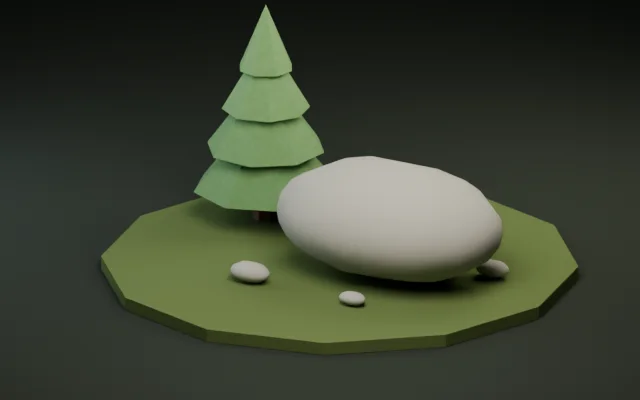
Snap pivots to presets or rotate ±90° per axis.
Convert static GLB and OBJ meshes with diffuse textures.
转换打印模型并检查米制尺寸。
把纯色静态 FBX 道具烘焙并转换为 GLB。
Create a textured GLB from a reference image or a short prompt.
Shrink vertex buffers with Meshopt or Quantize and optimize embedded textures in three client-side steps.
Drop any uncompressed static GLB up to 30 MiB and 250,000 triangles. Compression, cleanup, and texture encoding run locally in a Web Worker with zero uploads.
Pick Meshopt or Quantize geometry encoding, enable weld/prune/dedup cleanup, and cap embedded textures at 512 px, 1024 px, or 2048 px in WebP, JPEG, or PNG.
Inspect original and compressed models side by side, check exact bytes and percentage saved, and download the smaller GLB.
Combine cleanup passes with modern buffer compression and right-sized textures for faster web and mobile loads.
Quantizes and encodes vertex and index buffers for Three.js, Godot 4, and modern glTF 2.0 loaders without changing triangle count.
Strips unused accessors, merges duplicate materials or textures, and shares identical vertices cleanly before encoding.
Downscales oversized 2K or 4K embedded images inside the browser so texture weight matches real gameplay distance.
Converts PNG and JPEG maps into compact EXT_texture_webp textures while keeping alpha channels and PBR material slots intact.
Use the GLB compressor when your triangle count is already right and you want smaller network downloads via Meshopt, Quantize, and WebP textures. Read our GLB file-size guide for real byte benchmarks.
Measured directly with our production compressGlb worker (cleanup enabled: weld + dedup + prune, Meshopt medium vs Quantize). Every model retains 100% of its triangles, materials, and meter bounds.
| Sample GLB | Triangles (unchanged) | Original size | Meshopt + Cleanup | Quantize + Cleanup | Best savings |
|---|---|---|---|---|---|
| River stone (1 mat) | 500 tris | 36.1 KiB (36,944 B) | 6.4 KiB (-82.3%) | 8.1 KiB (-77.5%) | -82.3% (Meshopt) |
| Castle exhibit (19 mats) | 456 tris | 42.7 KiB (43,732 B) | 20.5 KiB (-52.1%) | 23.1 KiB (-45.8%) | -52.1% (Meshopt) |
| Deer exhibit (25 mats) | 330 tris | 37.2 KiB (38,044 B) | 25.9 KiB (-30.4%) | 22.8 KiB (-38.7%) | -38.7% (Quantize) |
| Fox exhibit (15 mats) | 212 tris | 23.4 KiB (23,916 B) | 16.2 KiB (-30.6%) | 14.7 KiB (-37.2%) | -37.2% (Quantize) |
| Forest pine (5 mats) | 92 tris | 9.5 KiB (9,716 B) | 7.8 KiB (-17.3%) | 7.5 KiB (-20.7%) | -20.7% (Quantize) |
Notice a practical engineering nuance: on very small multi-material props (< 400 tris), Quantize can beat Meshopt because Meshopt adds per-buffer metadata overhead; on larger meshes or textured GLBs with 2K/4K PNGs resized to 1024 px WebP, Meshopt + WebP delivers the largest reductions.
Choose Meshopt + WebP for modern web and Godot 4 pipelines, or switch to Quantize + PNG/JPEG when targeting legacy importers.
Quantize + WebP native; Meshopt via glTF support
Godot 4.3+ supports KHR_mesh_quantization and WebP textures cleanly; if an older 4.x build or export preset rejects EXT_meshopt_compression, switch Geometry compression to Quantize.
Full support (Meshopt + Quantize + WebP)
Register MeshoptDecoder via loader.setMeshoptDecoder(MeshoptDecoder) for EXT_meshopt_compression. Quantize and EXT_texture_webp work in all modern browsers.
Full support with Meshopt package
glTFast supports KHR_mesh_quantization natively and EXT_meshopt_compression when the meshoptimizer decompression package is installed. Keep PNG/JPEG if WebP decoding is not enabled.
Blender 3.6+ native; UE5 prefers Quantize/Cleanup
Blender imports Meshopt, Quantize, and WebP cleanly. For Unreal Engine 5 Interchange pipelines without extra plugins, use Quantize or Cleanup-only with PNG/JPEG textures.
No. Buffer compression, vertex deduplication, texture resizing, and WebP encoding run 100% locally in your browser Web Worker. Files up to 30 MiB never leave your device.
The compressor accepts uncompressed static glTF 2.0 binary (.glb) files up to 30 MiB and 250,000 triangles or vertices. Inputs that already contain Draco/Meshopt extensions, external URIs, skins, animations, or morph targets are rejected.
Three.js (with MeshoptDecoder), Babylon.js, Blender 3.6+, Unity glTFast (with meshoptimizer package), and modern glTF 2.0 loaders support EXT_meshopt_compression. Choose Quantize if your target importer (such as Unreal Engine 5 Interchange or an older viewer) lacks Meshopt decoding.
Meshopt decodes significantly faster on the web, avoids heavy Draco decoder stalls, and pairs cleanly with gzip/Brotli HTTP transfer. For very small multi-material low-poly props under 400 triangles, Quantize can even produce a smaller file than Meshopt while staying broadly compatible.
Embedded PNG, JPEG, and WebP textures are decoded locally, downscaled cleanly only when larger than your chosen cap (512 px, 1024 px, or 2048 px), and re-encoded as WebP, JPEG, or PNG.
Use 512 px for small scatter props and mobile WebGL scenes, 1024 px as the balanced default for most indie low-poly props, and 2048 px only for close-up hero assets where fine surface detail fills the screen.
Yes—always compress last. Because our browser editing tools expect uncompressed static GLB inputs, run Model Inspector, Polygon Reducer, LOD Generator, or Pivot & Rotation first, then finish with GLB Compressor as your final shipping step.
No. Compression preserves your exact triangle count, mesh instances, and materials while shrinking binary buffers and texture bytes. Use Polygon reducer when you want fewer triangles.
No. This compressor focuses on static GLB meshes up to 30 MiB so meshes, bounds, materials, and UVs can be verified locally before export.