 Low Poly 3D
Triangle & vertex budget
Check per-asset triangle counts against your scene budget, especially for props instanced dozens of times across a level.
Check triangles, materials, textures and dimensions. Files stay in this browser.
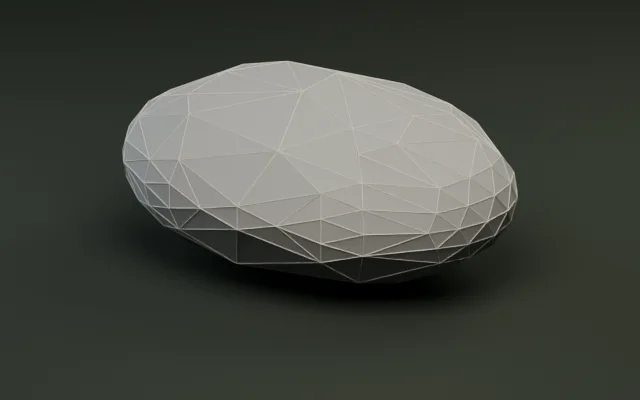
Simplify meshes by target count or percentage.
Generate multi-level LODs and export as a ZIP.
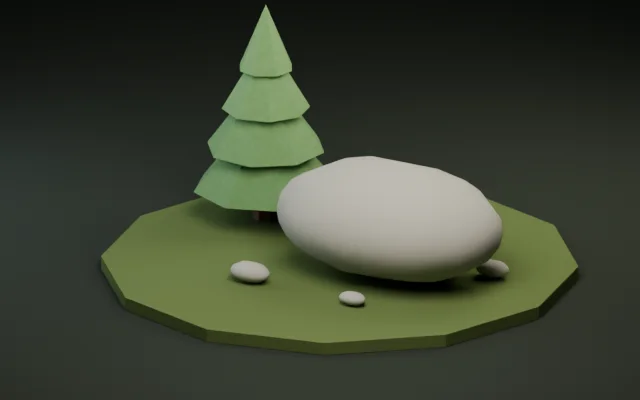
Snap pivots to presets or rotate ±90° per axis.
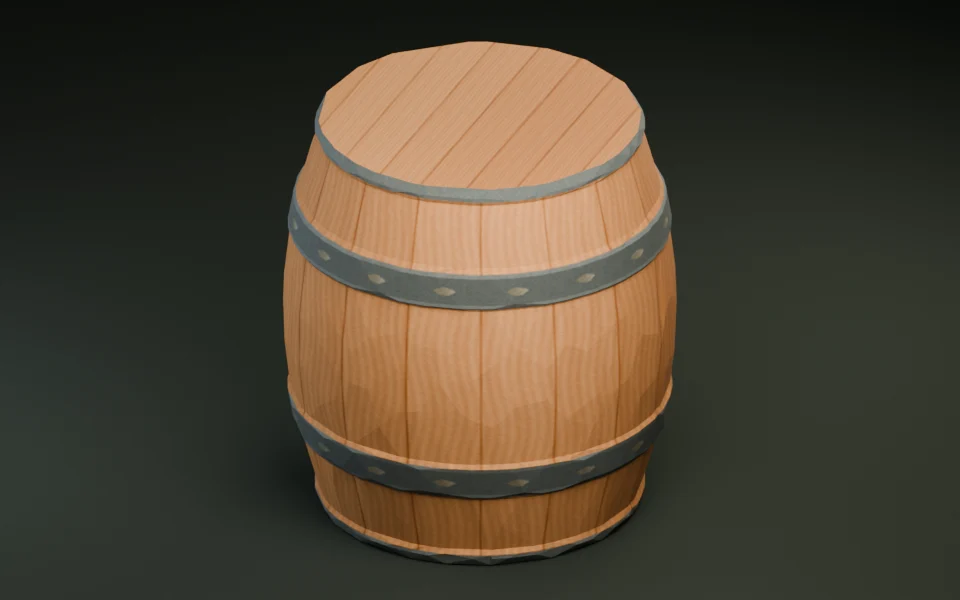
Shrink GLB bytes with Meshopt and WebP textures.
Convert static GLB and OBJ meshes with diffuse textures.
Convert a print mesh and check its dimensions in meters.
Convert static, solid-color FBX props with baked transforms.
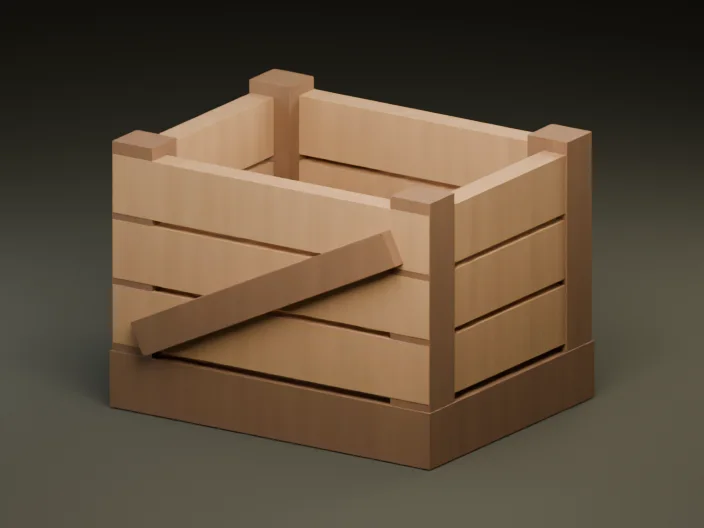
Create a textured GLB from a reference image or a short prompt.
Audit mesh complexity, material slots, embedded textures, and real-world meter bounds in three steps, completely client-side.
Drop any .glb file up to 30 MiB. The file is parsed in a local Web Worker and never uploaded to a server.
Review triangle count, vertices, mesh instances, materials, embedded images, external references, and UV / normal attributes.
Toggle wireframe, lighting, and axis grid in the 3D viewport, or enter a target triangle budget and jump straight to the polygon reducer.
Catching oversized meshes, missing normals, or external texture dependencies before engine import prevents frame drops and broken materials.
Check per-asset triangle counts against your scene budget, especially for props instanced dozens of times across a level.
Confirm all textures are packed inside the GLB with zero external file references so the asset stays self-contained.
Verify bounding-box width, height, and depth in glTF meters so props match player scale in Godot, Unity, or Unreal.
Ensure UV coordinates and normals are present so PBR textures, flat shading, and real-time lighting render cleanly.
A prop that looks light on its own can quickly dominate draw calls when scattered across terrain. If your model exceeds its target budget, hand it off to the Polygon reducer or review our GLB optimization guides.
Real measurements taken directly from our static low-poly GLB library show how triangle counts, material slots, and file sizes scale across simple and multi-material props.
| Sample GLB | Triangles | Vertices | Materials | Bounds (W × H × D m) | File size |
|---|---|---|---|---|---|
| Forest pine (CC0) | 92 | 276 | 5 | 2.00 × 3.07 × 2.00 m | 9.5 KiB (9,716 B) |
| Fox exhibit (CC0) | 212 | 636 | 15 | 0.48 × 0.92 × 2.04 m | 23.4 KiB (23,916 B) |
| Deer exhibit (CC0) | 330 | 990 | 25 | 0.67 × 2.00 × 1.83 m | 37.2 KiB (38,044 B) |
| Castle exhibit (CC0) | 456 | 1,368 | 19 | 2.94 × 2.80 × 2.54 m | 42.7 KiB (43,732 B) |
| River stone (CC0) | 500 | 1,500 | 1 | 2.04 × 0.95 × 1.43 m | 36.1 KiB (36,944 B) |
All five samples are flat-color static GLBs with zero external dependencies and Y-up meter bounds. Compare material count alongside triangles: 25 materials on one prop can cost more draw calls than 500 triangles on 1 material.
Because glTF 2.0 standardizes right-handed Y-up meters, the numbers you verify here predict how your asset behaves on import.
Native .glb import
1 glTF unit = 1 meter. Embedded materials become StandardMaterial3D; each distinct material slot adds a surface draw call.
Native via glTFast package
1 unit = 1 meter with automatic handedness conversion. Check UV and normal flags before baking URP/HDRP lightmaps.
Native glTF / Interchange import
Converts glTF meters to centimeters (×100) automatically. Confirm self-contained embedded images so textures import cleanly.
Native via GLTFLoader
Matches glTF Y-up meters 1:1. Watch both triangle count and embedded image dimensions to keep mobile GPU memory low.
No. All glTF 2.0 binary parsing, mesh decoding, and 3D preview rendering run locally in your browser. Files up to 30 MiB never leave your device.
The inspector supports self-contained static glTF 2.0 binary (.glb) files up to 30 MiB and up to 250,000 triangles or vertices. Larger or extension-compressed files still show safe header metadata when possible.
The inspector still reads the glTF header safely and shows declared triangles, nodes, materials, embedded images, and external reference counts so you can spot why a file is not self-contained.
Per the glTF 2.0 specification, 1 unit equals 1 meter. Dimensions show the exact axis-aligned bounding box width, height, and depth in meters.
Each distinct material slot or separate mesh primitive can trigger an extra draw call in Godot, Unity, or WebGL. A 330-triangle prop with 25 materials can be heavier on the CPU than a 500-triangle prop sharing one material.
The browser editing suite expects uncompressed static GLB inputs so triangle reduction, LOD generation, and re-compression stay predictable. Export an uncompressed static GLB from your DCC tool to inspect and edit the mesh in 3D.
Yes. Use the Viewport bar to toggle Wireframe, Light, and Grid, and switch shading between original, flat, or smooth normals.
Enter your target triangle count in the Inspection target field and click Continue to polygon reducer to carry the loaded GLB and budget straight over.