 Low Poly 3D
Low poly 3D model generator
Referência
One prop, 3/4 view, plain background (min 256 px).
Target triangle count for a textured static GLB.
Checking generation availability…
Model preview
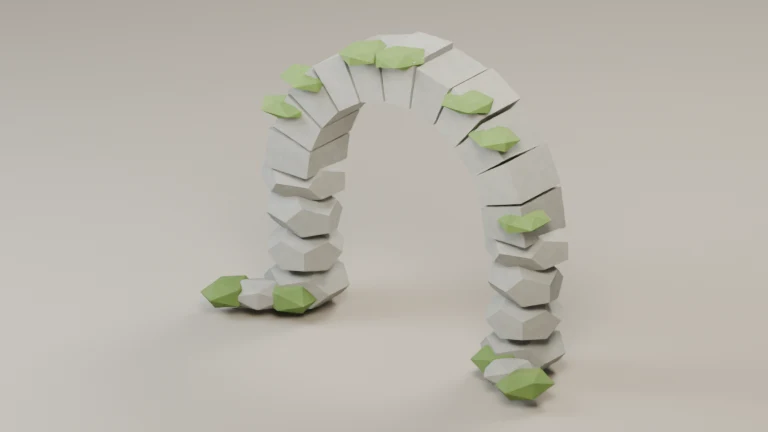
GLB · 680 triangles
Interactive local sample GLB. Orbit, toggle wireframe, or adjust lighting here; generated models open in My models.
More browser GLB tools
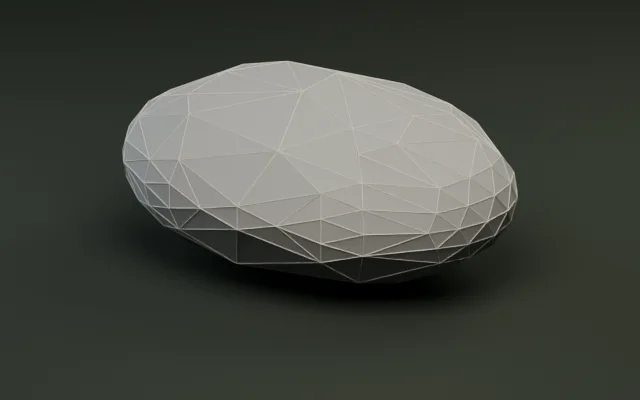
Polygon reducer
Simplify meshes by target count or percentage.
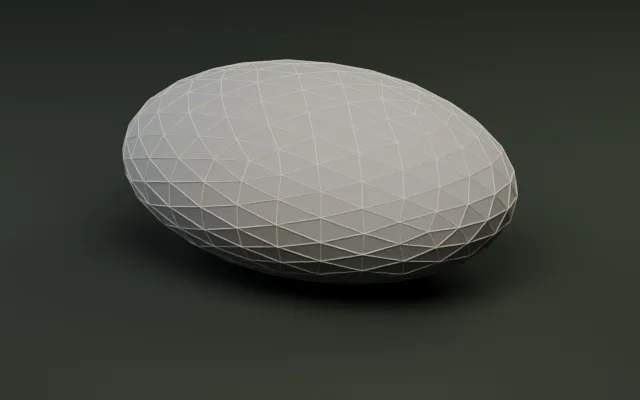
Model inspector
Audit triangles, meter bounds, and embedded textures.
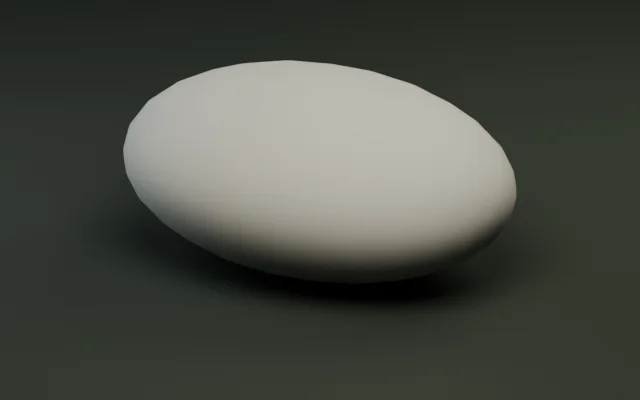
LOD generator
Generate multi-level LODs and export as a ZIP.
Pivot and rotation
Snap pivots to presets or rotate ±90° per axis.
GLB compressor
Shrink GLB bytes with Meshopt and WebP textures.
GLB ↔ OBJ converter
Convert static GLB and OBJ meshes with diffuse textures.
STL to GLB converter
Convert a print mesh and check its dimensions in meters.
FBX to GLB converter
Convert static, solid-color FBX props with baked transforms.
Create low poly 3D models from text or images
Turn a single reference image or a short text prompt into a textured, static GLB. Set a triangle target from 500 to 20,000, inspect the delivered geometry, and download your model privately within 30 days.
One object at a time
Start with a PNG, JPEG, or WebP of one prop (up to 9 MiB), or describe its silhouette, surface materials, and palette in 10–400 characters. Clear, isolated objects reconstruct most cleanly.
Control mesh complexity
Pick a 1,500, 3,000, or 6,000 preset or enter a custom target from 500 to 20,000 triangles. Check the actual count in My models and adjust it locally with the Polygon Reducer if needed.
GLB with embedded textures
Every generation delivers one self-contained static .glb file with embedded textures—no external image folders, skeletons, or animations—ready for Godot, Unity, Blender, or local inspection.
How it works
Two input paths, one static GLB output—choose an existing reference image or start from a text prompt.
- Imagem
- Single image Rebuild in 3D
Upload one well-lit photo or render showing the front and one side (short edge at least 256 px, up to 4.2 MP). Hidden surfaces are estimated during reconstruction.
- Text
- Instrucao Choose a concept Rebuild in 3D
Describe one object, its main colors, and its materials. Review up to two generated concept images and pick one to reconstruct into 3D.
Inspect & download
Inspect the mesh from every angle, verify the actual triangle count, and save your GLB within 30 days in My models.
Choose a triangle budget
Choose a preset or enter a custom target from 500 to 20,000 triangles. Final triangle counts follow the object’s shape, so review the delivered mesh before importing or refining it locally.
- 1,500
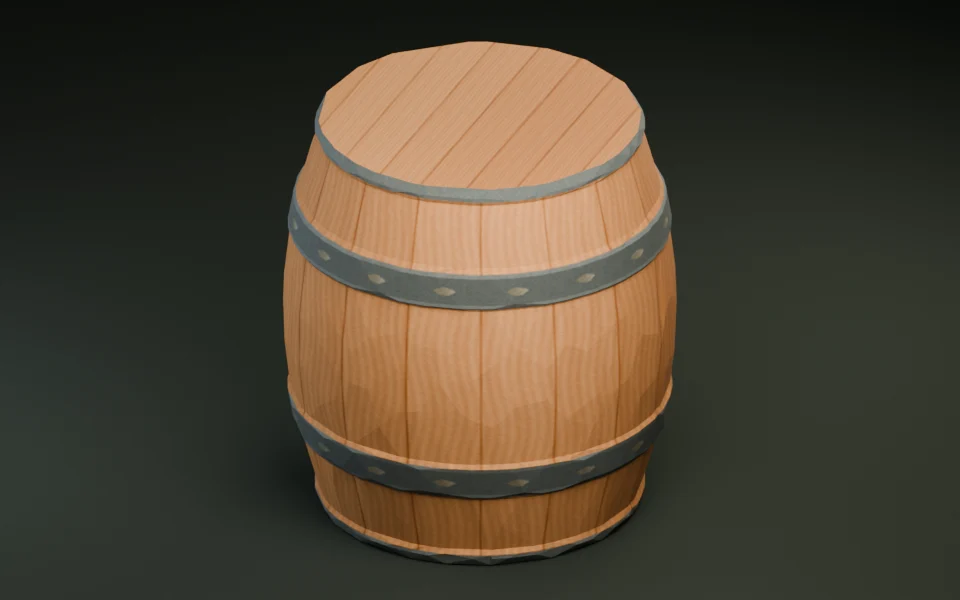
- Simple propsRocks, crates, barrels, signposts, and repeated background scatter props.
- 3,000Default
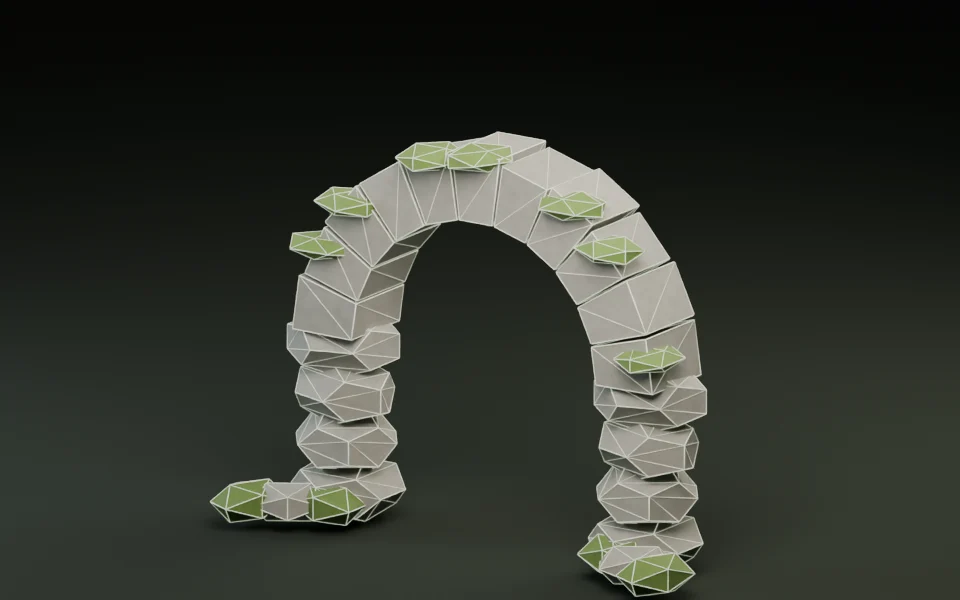
- Everyday objectsBalanced target for hero scenery, furniture, stone arches, and interactive props.
- 6,000
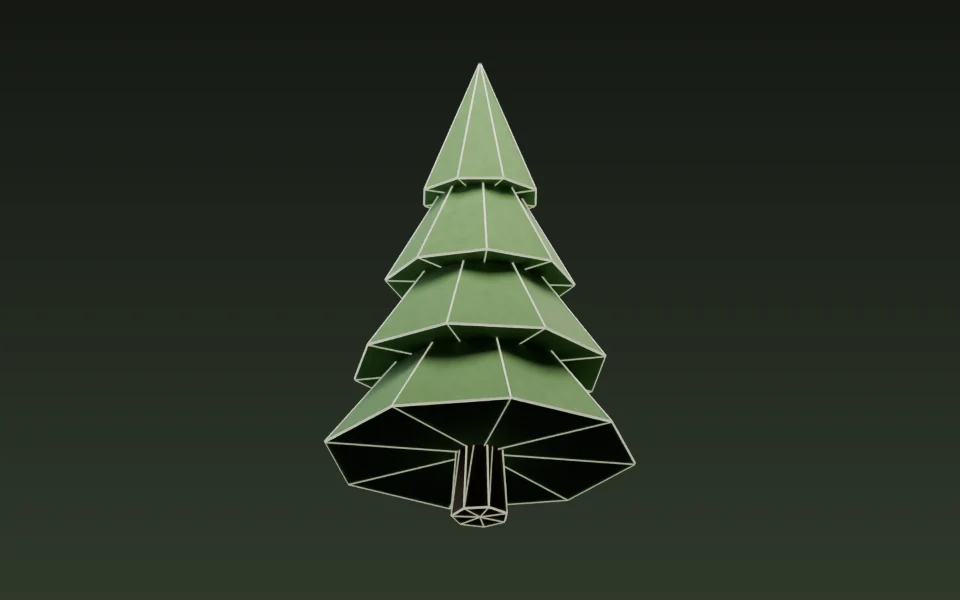
- Complex silhouettesExtra geometry headroom for multi-part props, foliage clusters, and close-up assets.
Explore the tools and assets
Reduce polygons
Set a target triangle budget or percentage, compare both meshes side-by-side, and export a smaller GLB locally.
Model catalog
Browse free CC0 static GLB props and themed asset packs to test your scene pipeline.
Import into Godot
Check scale in meters, ground-level origin, and embedded materials after importing into Godot 4.
Perguntas frequentes
What kind of reference image works best?
Show one whole object against a plain background, with even light and both the front and one side visible. Use one PNG, JPEG or WebP image up to 9 MiB. Keep the short edge at least 256 pixels, the long edge at most 4,096 pixels and the total at or below 4,194,304 pixels.
Can I generate a model from text alone?
Yes. Describe one object and mention its shape, color, and material. You’ll get up to two concept images. Choose one to turn into a 3D model.
Will the model have exactly the triangle count I entered?
The number you enter is a target. The final count can vary with the object’s shape and details. Check the actual count in the result before downloading.
What file format will I get?
You’ll get a single static GLB with embedded textures. It comes without a rig or animations. For Godot, follow the GLB import guide to check scale, orientation, and materials.
Do I need an account, and when is a credit used?
Sign in to start a generation. An image-to-3D model costs 22 credits and a text-to-3D model costs 30. An eligible trial can cover the cost. If generation fails, the reservation is released.
Where do I download my model, and how long is it available?
Open My models to check progress and download the finished GLB. Save a local copy within 30 days of delivery.
Who can see my generated models?
Generated models are private to your account. The generation service processes the reference image or prompt you submit.
What should I check before using a model commercially?
Use reference images you own or have permission to use. Before publishing or selling a model, check the rights to the source material and review the terms of service.